
Most local business owners have the same problem.
They got a website built a couple of years ago. It looked great at the time. But now their prices have changed, they've added a new service, and there's a phone number or email on the site that's been wrong for six months.
The reason? They can't update it themselves.
You can't update what you paid for.
Every time something needs changing, they have to chase the person who built it, wait days for a reply, and sometimes pay just to fix a single line of text. It's frustrating, expensive, and completely unnecessary.
This is exactly the problem a CMS solves.
So what actually is a CMS?
CMS stands for Content Management System.
In plain English, it's a simple dashboard that lets you update your own website, without touching any code, without calling a developer, and without any technical knowledge.
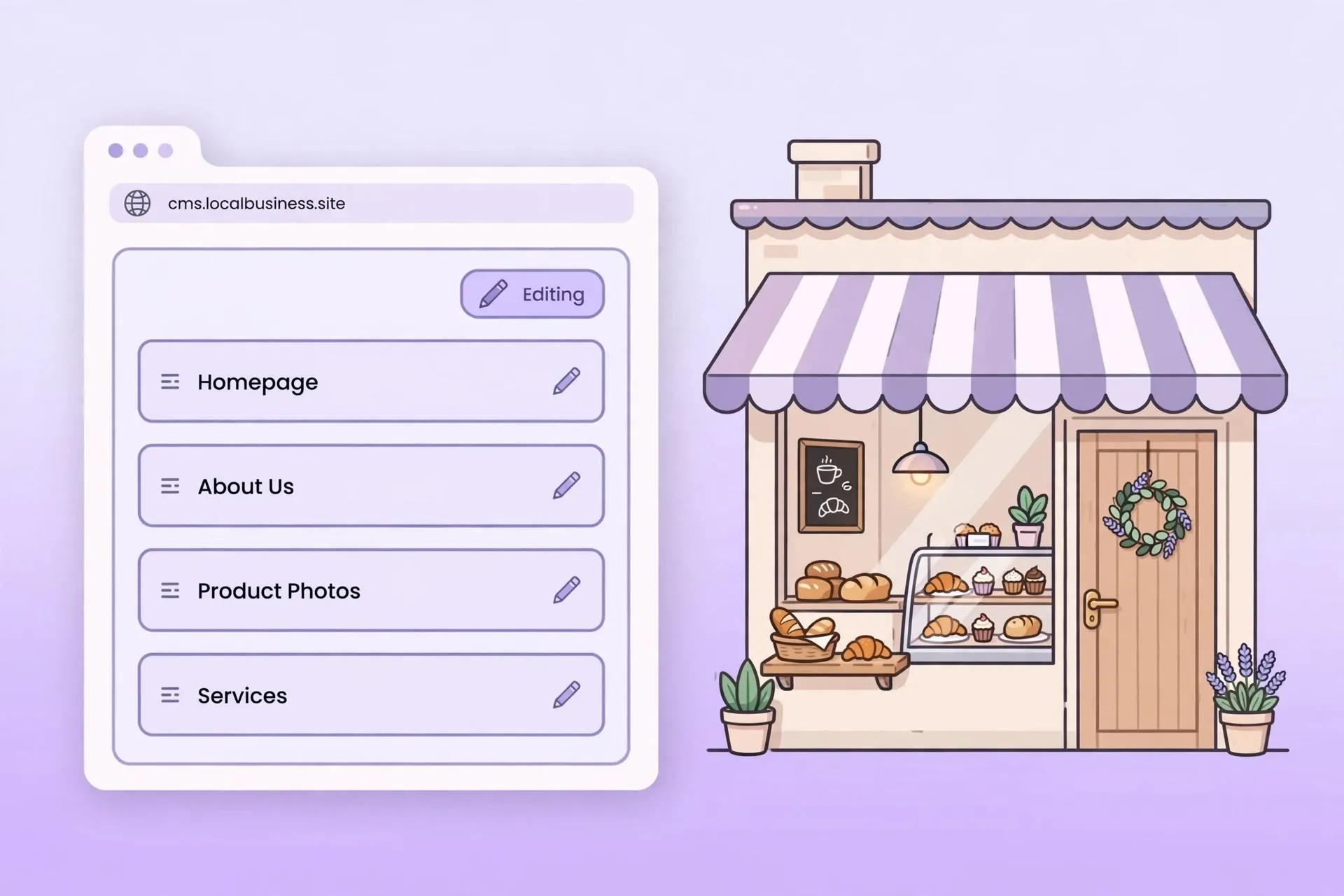
Think of it like this. Your website is the shop window. The CMS is the key to the door, and it lets you go in and rearrange things whenever you want.
With a CMS you can:
- Update your opening hours in seconds
- Change your prices without waiting on anyone
- Add new services or remove old ones
- Publish blog posts and gallery updates
- Upload new photos
- Edit any text on any page
All from a simple, clean dashboard that looks a bit like editing a Google Doc.
Why do most small business websites NOT have one?
Good question.
A lot of web designers, especially the newer wave of "vibe coders" using AI tools, build sites without a content system at all. These look fine on the surface, but every change, a price, a phone number, a new service, has to go back through code. The site itself isn't the problem. The missing content system is.
This is fine if your business never changes. But no business is like that.
That doesn't mean static, fast-loading websites are a bad idea, quite the opposite. The fastest and most secure sites we build still load as static pages. The difference is they're connected to a CMS behind the scenes, so you get the speed and security of a static site with the flexibility to edit it yourself.
The other reason is that adding a CMS properly takes more time and skill to set up. It's easier to skip it. Some developers also prefer it that way, since it keeps you dependent on them for every update, which means more work and more invoices for them.
At Sitemate Studio, we think that's the wrong approach entirely.
What does a CMS look like in practice?
Let's say you run a café in Aylesbury.
It's Friday afternoon and you've just decided to add a new brunch menu for the weekend. Without a CMS, you'd need to message your web developer, wait for them to respond, hope they get to it before Saturday, and probably pay a fee for the change.
With a CMS, you log into your dashboard, click on the menu section, type in the new items, hit save, and it's live in seconds. You did it yourself, for free, in under two minutes.
That's the difference.
The same applies to a plumber updating their call-out rates, a salon changing their service prices, or a restaurant updating their opening hours over Christmas.
What CMS do we use at Sitemate Studio?
We use Payload CMS.
We picked it because it gives you the simplicity of a website editor, without the plugin bloat, security patches, and ongoing maintenance burden that come with older platforms like WordPress. It's a fast, flexible, user-friendly CMS that gives you a clean, simple editing dashboard any business owner can use, no training needed. Below is a screen of this blog post being edited in our CMS.
Here's what it looks like from your side as a business owner:
- You log in with your email and password
- You see a list of all the content on your site, including pages, images, and text blocks
- You click on whatever you want to change
- You edit it like a document
- You hit publish and it goes live instantly
No code. No developer. No waiting. No extra fees.
Does every business need a CMS?
Not always, but most do.
If you have a very simple, static business that never changes (for example, a one-page site that just shows your name, number and location) you might be fine without one.
But if you have any of the following, a CMS is worth it:
- A menu, price list, or service list that changes regularly
- A blog or news section you want to keep active
- Seasonal offers or promotions you want to update yourself
- Multiple pages of content across your site
- A desire to not be dependent on a developer forever
The rule we use at Sitemate Studio is simple: if you're going to want to change anything on your site more than once a year, you need a CMS.
If you're weighing this against a heavier platform, it's worth reading why small businesses don't always need WordPress, since the CMS-vs-no-CMS decision and the WordPress-vs-lighter-platform decision often come up together.
What about the cost?
This is where most people expect bad news. But it doesn't have to be expensive.
At Sitemate Studio, every website we build, on all our plans, includes a CMS as standard. It's built in, set up, and handed over to you as part of the project.
For most small local businesses with basic content needs, the CMS itself costs you nothing extra, it's just part of how we build.
For larger businesses with more complex needs, we'll always be upfront about any tool costs before we start.
The bottom line
Owning your domain, your hosting, and your source code is real ownership. A website without a CMS doesn't take that away from you.
But a website is more than domain, hosting, and code. It's your services, your pricing, your blog, your customer information, your brand message. That's the part a CMS hands back to you. Without one, every price change, every new service, every typo fix has to go through someone else, on their schedule.
A CMS puts you back in control of your content, not just the deed. It means your website can grow and change as your business does, without the cost, the waiting, and the frustration of chasing a developer for every small update.
Every website we build at Sitemate Studio comes with this built in, because we believe local businesses should own their content, not just the paperwork.
Want a website you can actually manage yourself?
We offer a free homepage mockup, no payment, no commitment. See it before you spend a penny.
Get your free mockup